





Small apps for everyday life.

Plan your day, focus on one task, sort your photos or find a small tool for your next trip. Explore each product to check its features, platform and download options.

Winki Hero Image
Philosophy: Simplicity, Best Practices and High Performance
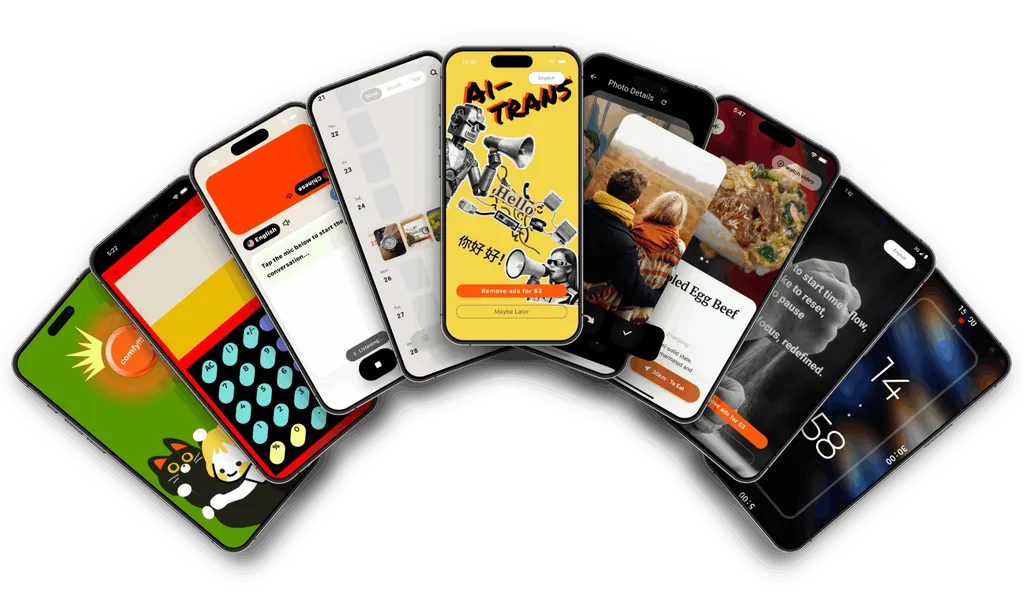
We make these apps for everyday small things: focus better, plan simply, clean up photos, and get closer to your pet.

Focus on one thing

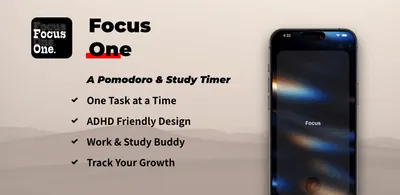
We make timing and reminders straightforward: Focus One's single‑task visual timer and Flip Timer's hands‑free switching help you find your rhythm for study, work and training.

Plan and record on one timeline

Chronicle blends agenda, tasks and notes into a private personal timeline—local‑first, no nagging.

Photo cleanup without second‑guessing

Photo Swipe Cleaner lets you keep or delete with simple swipes—safe deletions, no accidents, quick storage wins.

Useful, and beautiful

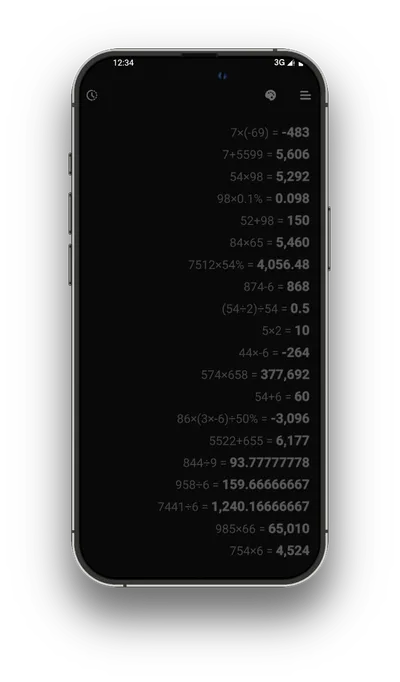
Aesthetic Calculator delivers a clean calculation experience with playful themes; the core stays distraction‑free.

Closer to your pet

MeowTalkie uses a playful soundboard and interactions to help with training, recall and bonding.

Small, but serious

Small and focused features—less is more. Every iteration polishes the details.

We take every detail seriously—smoother steps, human copy, fewer taps. Each update is a small step toward easier use.

Listen and iterate

We refine interactions, motion flows and copy based on real feedback—so the tools feel more natural.

Unobtrusive experience

Simple flows and a clean interface reduce the learning curve—open and use.

Local‑first and privacy

What belongs on your device stays on your device; you control your data.

Lightweight yet reliable

Small footprint and steady performance; updates focus on stability and ease.

Getting started is simple

Step 1: Choose your need

On the homepage, pick the app for your need: focus timing, planning & journaling, photo cleanup, lightweight utility, or pet interaction.

Step 2: Open the product page

See core scenarios and screenshots—check that it fits your routine.

Step 3: Download or join testing

Find the App Store/Google Play or test entry on the product page; install and start.

Ready!

Steps image

Find out more content in our Blog

View all posts »

Explore product updates and notes.

FAQs

Frequently Asked Questions

Choosing an app, downloading it and getting support.

Where can I download an app?

Open its product page and follow the available App Store or Google Play link. Availability can vary by device and country.

Are all apps available on the same platforms?

No. Each product page lists its own download options. Check the store listing for current device compatibility.

How do I check pricing?

Check the store listing and the app’s purchase screen for current prices, optional purchases and any subscription terms.

How can I get support?

Email [email protected] with the app name, device, operating system and app version. Do not include private journal entries, photos or payment details.

Where can I read about the products?

Visit the blog for developer stories and product updates, or learn about Winki.